This weeks reSync workshop studies the mechanisms for broadcast we have made use of over the years.. We welcomed Anthony Davies from Maydayrooms and missed out on talking to Bruno Sanhueza DJ contributor to the WirelessFM we host at stream.spc.org.
When we first opened Deckspace in 2001 several of our longer term collaborators from Backspace were keen to continue with their live audio and streaming projects.
 PirateTV presented live streaming video and audio from their base at first from Coldcut studio in Clink Street till 1999 and later from Outerbongolia in Herne Hill in South London.
<Blink> was featured in a touring Arts for Networks exhibition and utilised the pioneering FrequencyClock engine designed and built by Adam Hyde. He installed a frequencyclock for <Blink> which we used at Deckspace for many years.
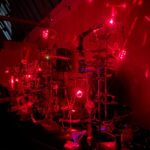
Jem Finer authored Longplayer in celebration of the millennium in 2000, a thousand year musical composition driven by supercolider scripts and. SPC has hosted the listening station since 2002 and we work with Longplayer Trust to keep the composition publicly available.
Pirate Radio Listening Station was designed and built by Heath Bunting and was moved to Deckspace from ICA in 2008. It lists pirate radio FM broadcasts receivable in the SE London area and remote control of the tuner which in turn re-streams the selected station.
In 2010 Rob Canning installed SourceFabric’s Airtime server but we haven’t turned to it as a tool so far. Its available at airtime.kiben.net
Today we have been talking about which of the newer solutions could be of use to us as we review the SPC repository we are building at Deckspace.tv. We like Pad.ma for its scope to manipulate meta data and will accommodate ‘deep links’ to the timeline. InterLace by Robert M Ochshorn takes these ideas further incorporating slitscreen views of film strips and contextural interlinking in its web based player. Check this link to his presentation.
During the session it became clear our enthusiasm for bit torrent sync would present issues for our project as it is not open source so we looked at alternative methods of p2p transport for our report publishing. Gio turned up as we began this discussion and suggested we look at Retroshare and Adnan already has an install of Owncloud operational so issued us accounts to test out.
On Friday 11th October we held the first of a series of reSync workshops in Deckspace, ‘Wilderness’ where we reviewed tools for collaborative video production, considered how best to construct reports and investigated the mechanics of Bit Torrent Sync in preparation for inclusion at future workshops.
We began at noon with a run through of the objectives for the workshops and how we might sequence explanation, interaction and expression of the key activities successfully.
Archaeology of SPC resources, review discoveries and publish reports.
it’s the heap : frame : stack motif proposed by Jonathan Kemp.
Some preparation has been done to pull together disparate media files from the many deckspace workstations and external hard disks plus the webservers that host a mass of video, image and audio data. Adnan Hadzi has already engineered a collaborative process for filmmakers at Deptford.tv which we can utilise to annotate, store files and author fresh compositions.
There is a growing range of web browser based playback systems available which we will make use of eg. https://montageinterdit.net/ (which has been constructed by Robert Ochshorn also a research fellow of Lunueburg uni.)
Each report will detail the range of sources, selected files and size of the data sync.
We will author our own btsync install recipies for linux, windows and mac os users as we felt the available guides fall short in some respects.
Once we installed the available btsync software on desktop, laptop and portable devices we experimented to discover how best to operate the various options and to improve on communication of the p2p sharing concepts and implementation of btsync to date.
Print media to carry the nfc / qrcode that links to the report and associated media resources
Lets also identify case use for read only vs full access ie. server back up requires read only
scenario #1 mobile user wishing to sync library files
discover the URL to library description or send key to library email install btsync and subscribe to library
scenario #2 laptop user offers sync to local directory
we successfully synchronised mobile user (android) using backup by sending the library an email with secret in. We also used sync to the library by scanning the qrcode. both worked with mobile and wlan connection
scenario #3 we offered a read only sync folder on our server and syncronised between two laptops on our LAN and a mobile phone on 3G opterator. We also syncronised between 3 pc’s each able to add and remove files as well as reflecting updates with a full access.
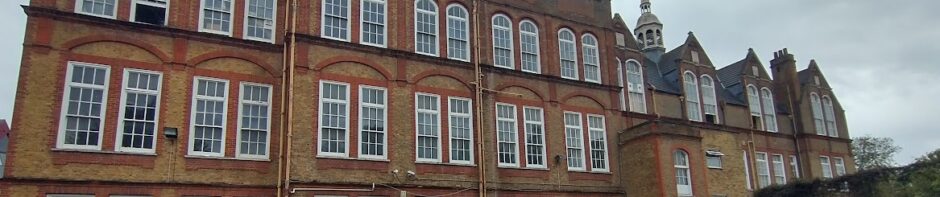
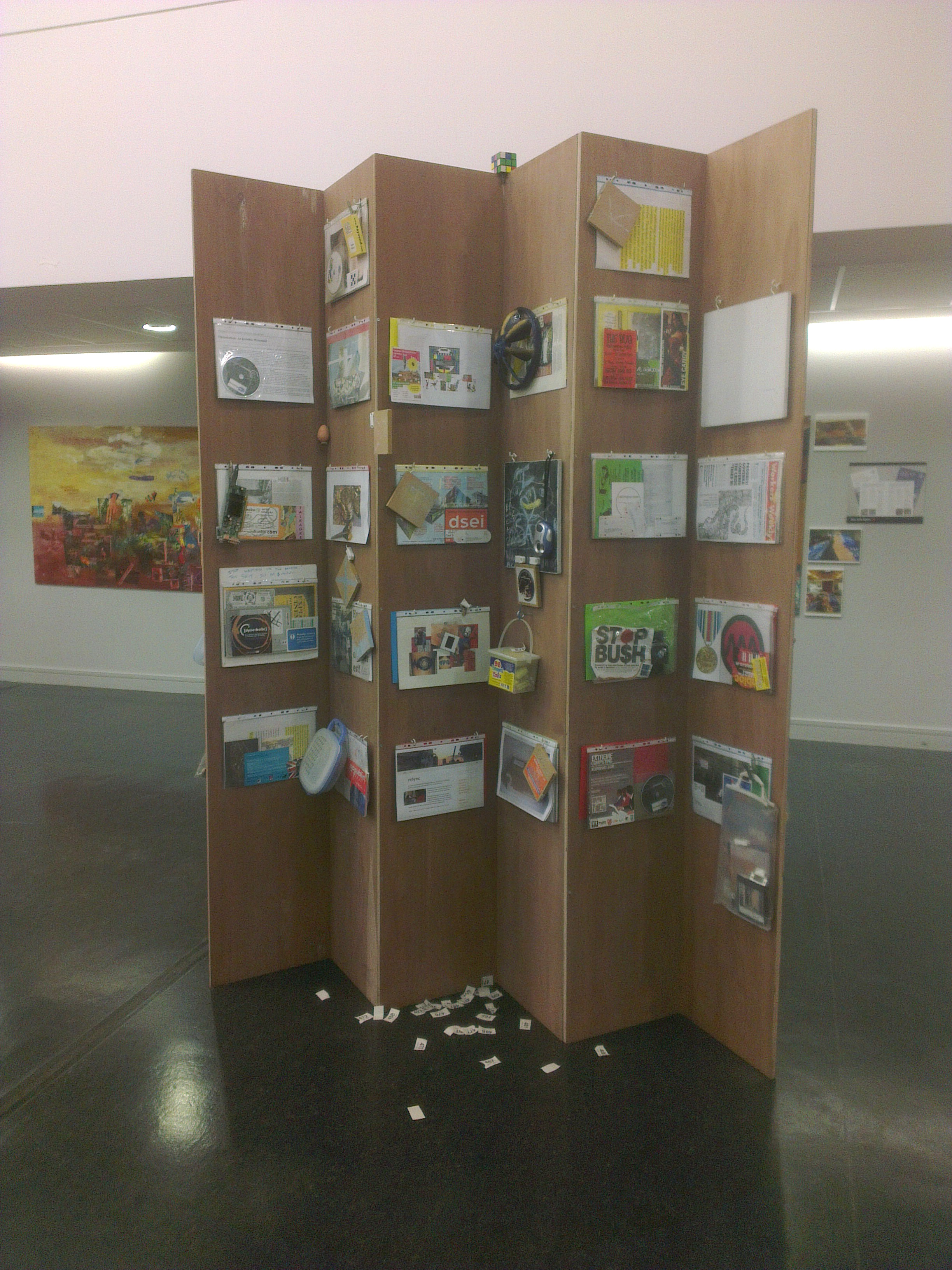 This time it will feature research and archaeological artefacts cored from the SPC servers, Flyer stash and old CDR’s reSynced in recent months of weekly workshops at Deckspace in Greenwich.
 Infrastructo
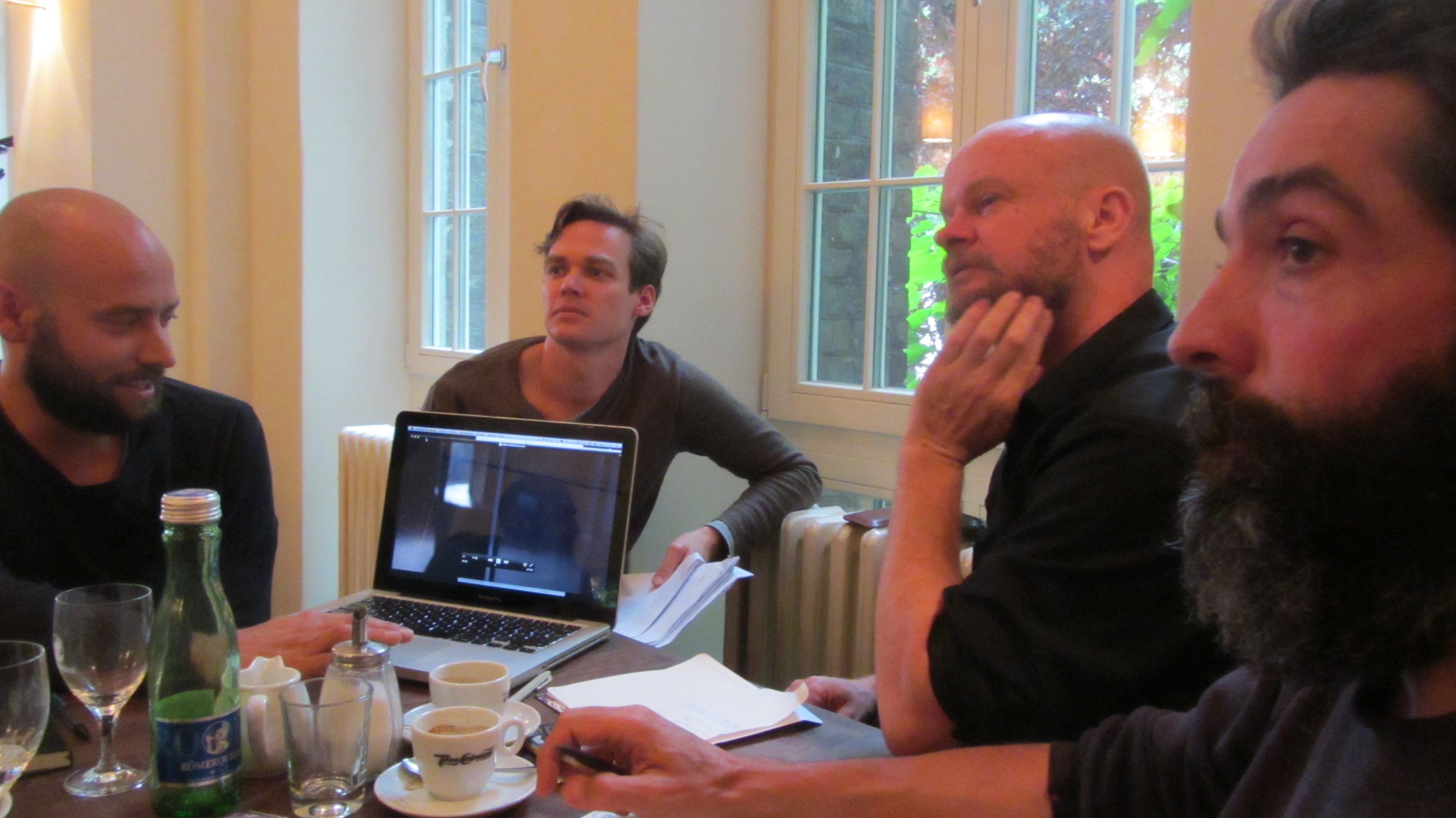





 Deckspace.TV productions are made available with an open content license such as the Free Art License, the Creative Commons SA-BY License, and the GNU General Public License.















 Despite this shock they went ahead with the ‘plan’ to produce a film with their cash and instinct intact, took off on The Magical Mystery Tour. It tested the patience loyalty and tastes of the nation when it got it’s TV premiere that same Christmas. Shot on 16mm over the course of a week away with friends, strangers and on a course of their choosing traversed a landscape of Britain at once surreal and familiar.